Business Workflow Studio
Lead Capture System DIY Guide
Lead Capture System DIY Guide
Couldn't load pickup availability
Connect your contact form to a database and automated email, using mostly free tools.
The problem this guide solves:
Every time someone fills out your contact form, you get an email. You read it, maybe reply, maybe forget. Their details live in your inbox and nowhere else. There is no database, no follow-up system, and no automated response to let them know you received their enquiry.
The result:
Prospective customers, clients and leads slip through. Not because you are not interested, but because the system is not there to catch them.
What this guide builds:
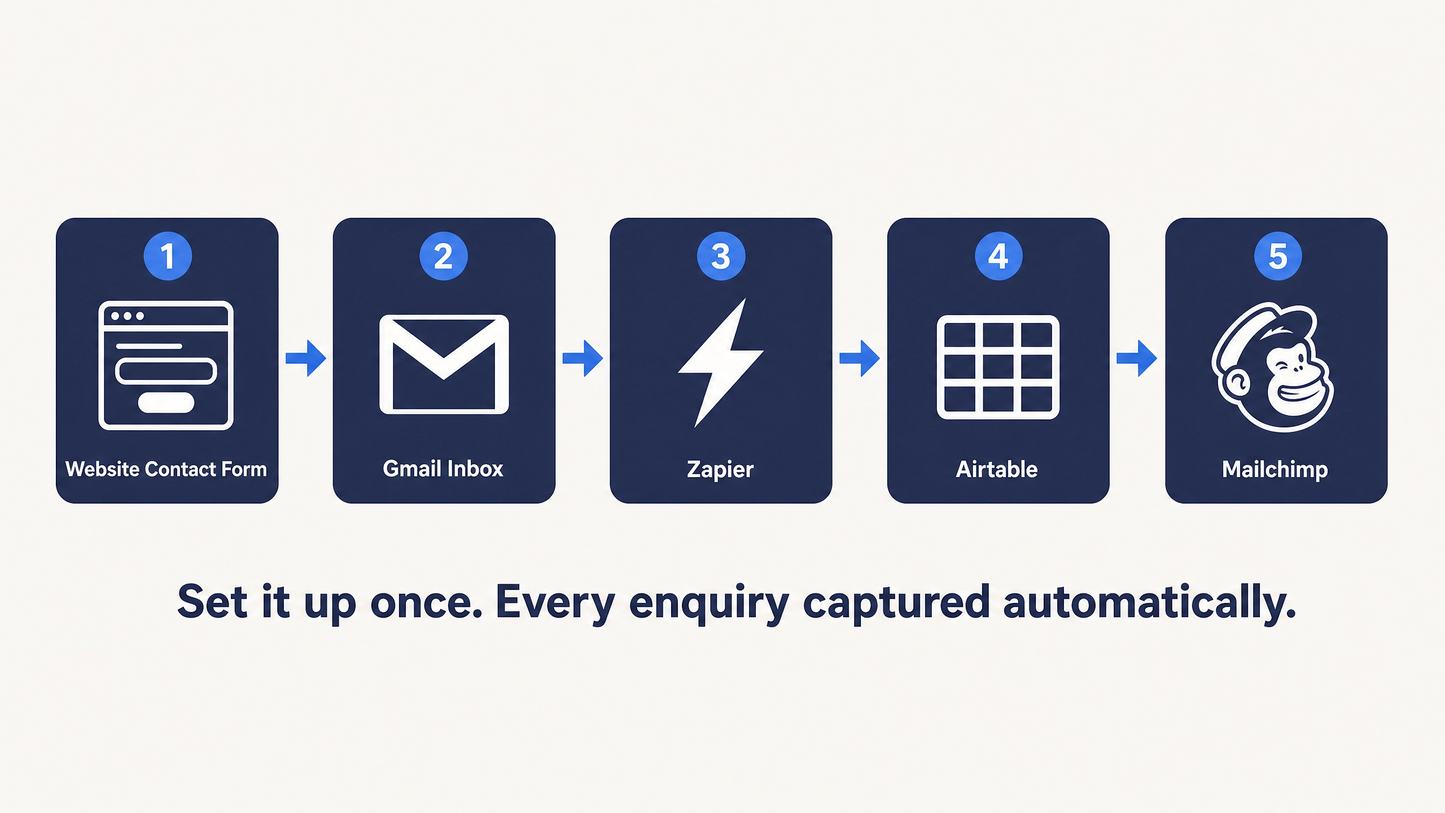
A five-step automated system that runs in the background of your business:
1 . Someone fills out your website contact form
2. The notification arrives in your Gmail inbox
3. Zapier detects the email and extracts the contact details
4. Their information is automatically saved to an Airtable database
5. They receive an automated welcome email via Mailchimp - immediately
You set it up once. After that, every enquiry is captured, stored, and followed up automatically.
What is included:
• A complete step-by-step PDF guide (6 pages) covering every stage of the setup
• A "Before You Build" section that explains the most common mistake people make — and how to avoid it
• Troubleshooting guidance for the five most common issues
• A bonus pre-built Airtable template - you can copy it into your own account in one click (free Airtable account required)
• A maintenance checklist so the system keeps working long-term
What it costs to run:
This system uses free tiers of four platforms: Gmail, Airtable, Mailchimp (up to 500 contacts), and Zapier (limited Zaps). For most small businesses starting out, the total running cost is $0/month.
Who this is for:
Any service-based small business owner who has a website contact form and wants every enquiry automatically captured and followed up, without paying for an expensive all-in-one CRM.
Who this is not for:
If your contact form collects more than three or four fields, the setup will be more complex than this guide covers. In that case, the done-for-you Lead Capture & Follow-Up System service at Business Workflow Studio may be a better fit.
Share